Still losing hours to admin after every site visit?
Most building surveyors are doing this job twice. Once on site. Once back at the desk.
Site notes on your phone, defect photos in WhatsApp, repair scope in a Word draft - all disconnected
Rebuilding the same report template from scratch on every single instruction
Spending your evening writing up a site visit you finished at lunchtime
Reports that look different every time - because they depend on who is doing the typing
There is a better way now.
Explore how BuildStack helps UK building surveyors turn a set of site notes into three client-ready documents. Here is how it works.
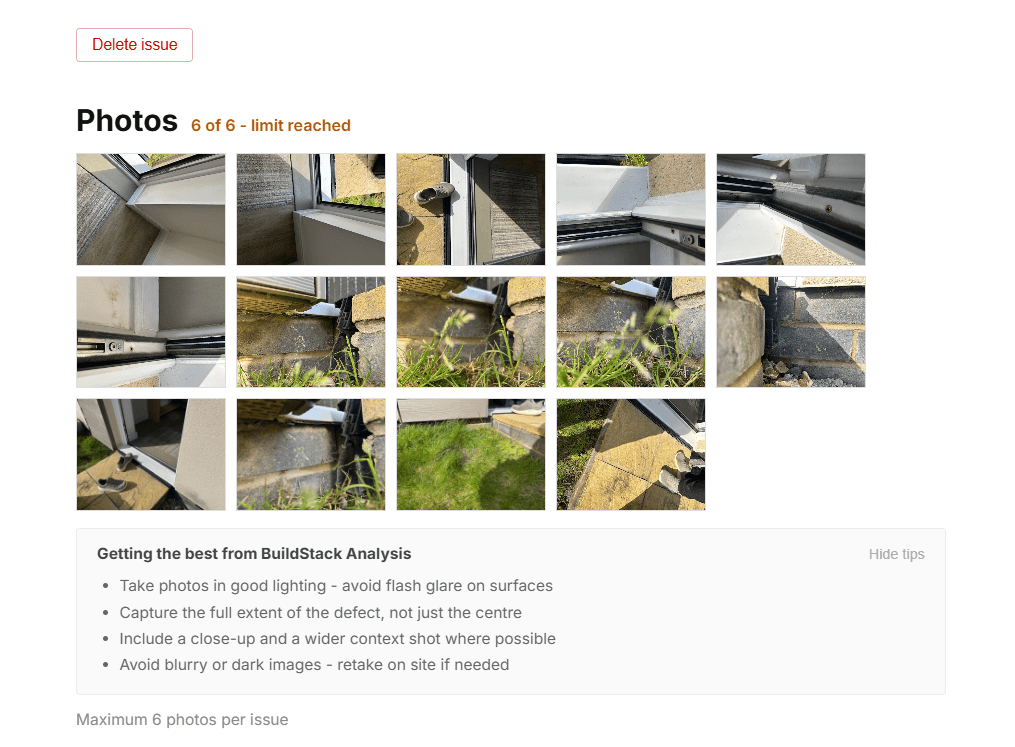
First, log the defect. Attach the photo.
Back at your desk, log each defect with severity, location, trade and your own site notes, then attach the photographs from your visit. Everything sits in one structured record, filterable and ready to work from. Nothing to reconstruct later.
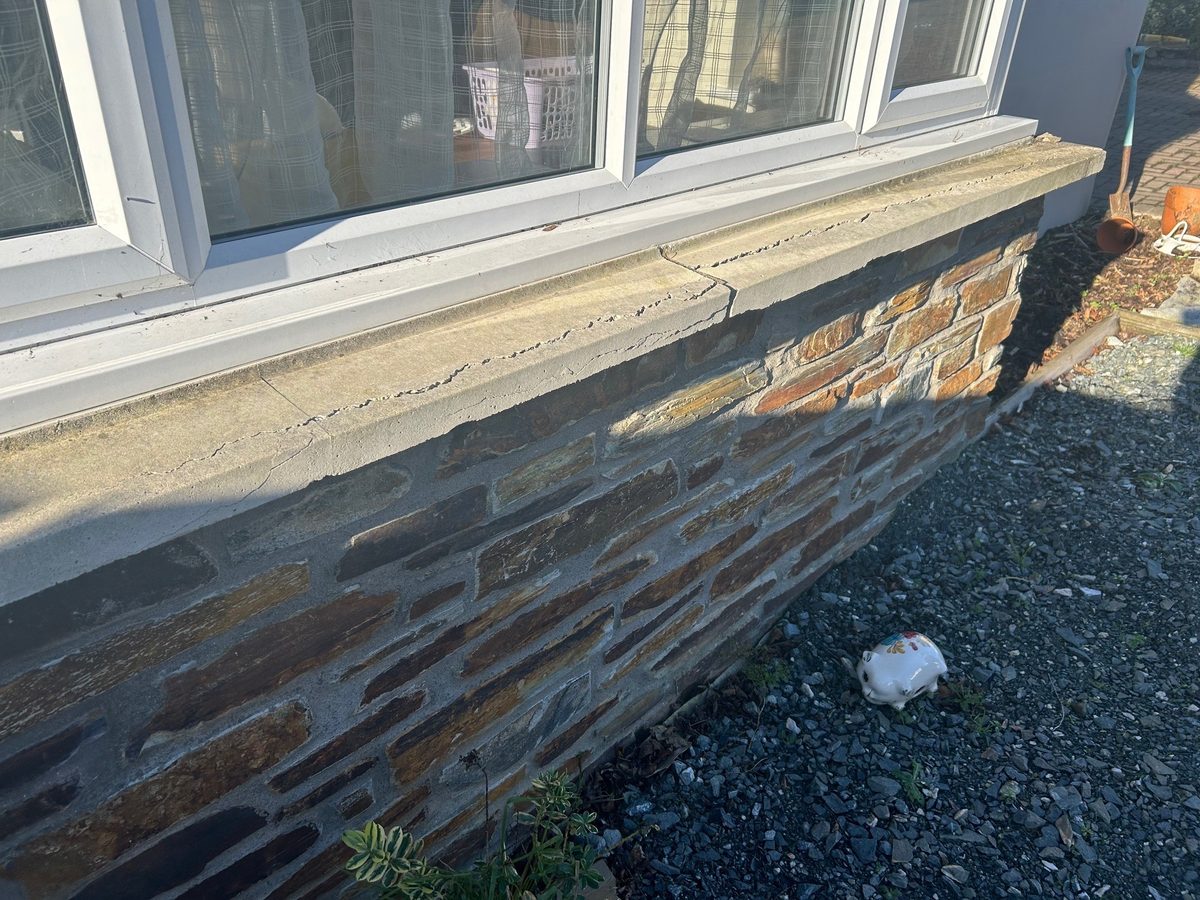
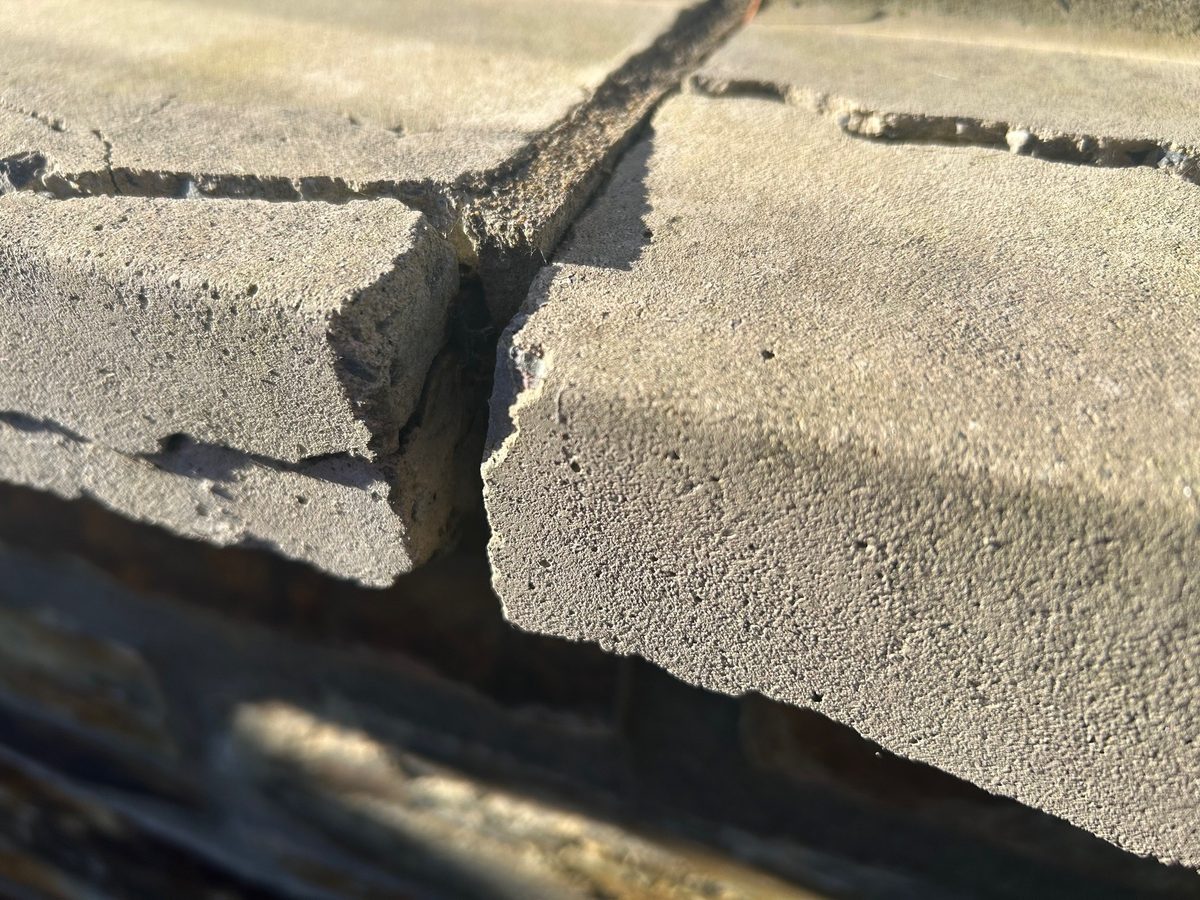
Attach photos from your site visit to each defect. They appear in your inspection report and schedule of works automatically - no re-captioning, no file transfers.
Photos are embedded directly into your inspection report. Every photo you attach appears alongside the relevant defect entry in the exported Word document - no re-captioning, no copying files between tools, no manual insertion.
That is everything BuildStack needs.
Then run Analysis, grounded in UK building pathology.
Add your site observation and photos. BuildStack identifies the materials present, considers differential diagnoses, and generates a probable cause and NBS-style repair scope - contextual to your specific defect, not a generic template. You review, edit, and approve before anything reaches the client.
BuildStack works from your notes, not generic templates. Your professional judgement stays in control throughout.
That is the diagnosis. Now for the scope.
Build the schedule of works.
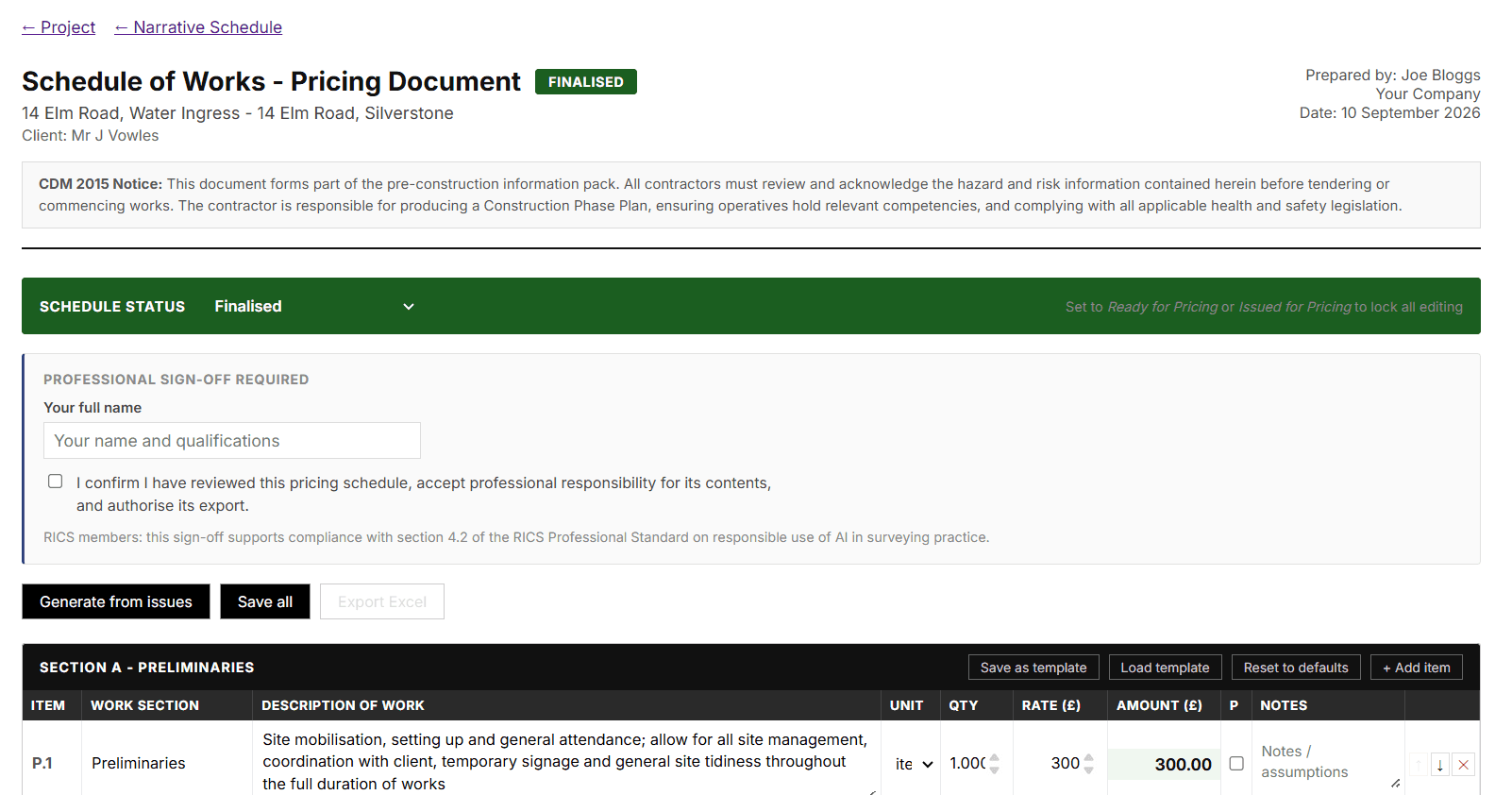
Analysis gives you the diagnosis. The schedule turns it into an instruction. Defects are sequenced and itemised by severity, with CDM 2015 prompts included, ready to issue for tendering or to price yourself. If the instruction only calls for a report, skip this step.
Nothing is issued yet.
Your professional judgement stays in charge.
BuildStack gives you analysis drafts you review, refine, and issue as your own work. It is a draft, not a decision. The time between logging and issuing is yours - for reflection, for quality, for professional judgement.
When you are satisfied, export.
Three client-ready documents from one set of notes.
Three distinct documents - all produced from the same logged data. Export to Word, review and finalise, then issue directly to clients or contractors. No template rebuilding, no copy-pasting, no starting from scratch. Export whichever documents the instruction calls for. A report on its own, a schedule on its own, or all three. Nothing is bundled.
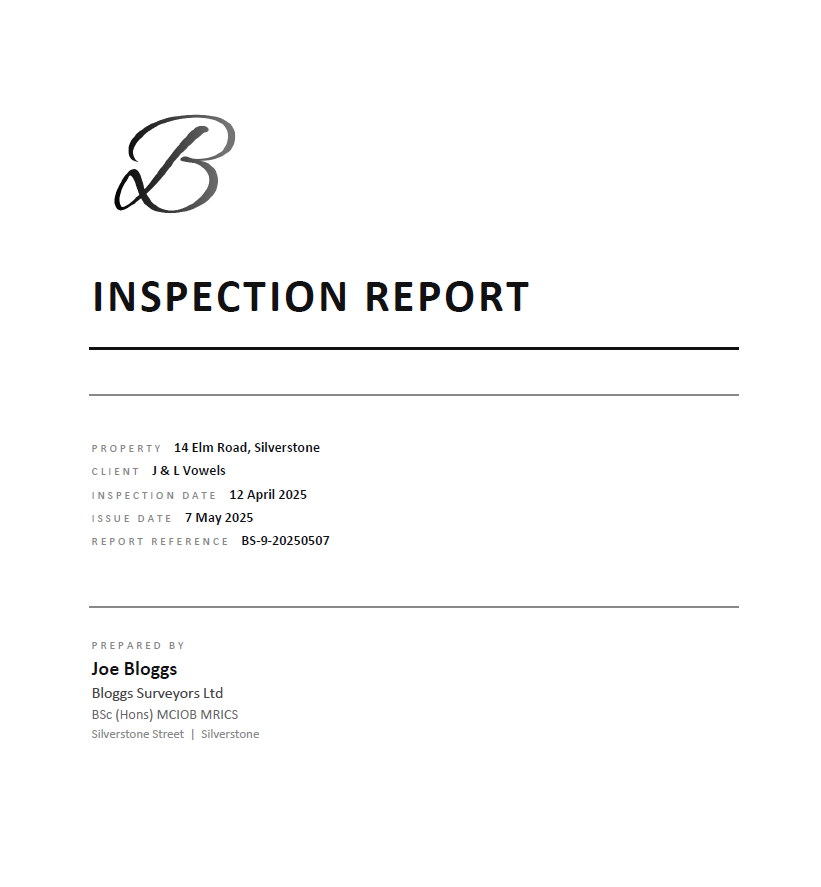
Inspection Report - A complete, formatted Word document containing all logged defects, descriptions, photos, and repair recommendations. Review and finalise in Word, then issue directly to clients. No template rebuilding, no reformatting.
Schedule of Works - A sequenced, itemised remediation schedule in Word, sorted by severity, with CDM 2015 prompts built in.
Priced Schedule - The same scope in Excel, with rate and quantity columns. Issue it blank for contractors to price, or add your own rates for a client budget estimate.
One free export of each document type · No card required
That is the full workflow. Log, analyse, schedule, review, issue.
Start free. Cancel whenever you like.
First export of each document free · no card required. Upgrade when you're ready.
- ✓1 active project, up to 100 issues
- ✓UK building pathology analysis
- ✓White-label report branding
- ✓1 free Inspection Report export (Word)
- ✓1 free Schedule of Works export (Word)
- ✓1 free Pricing Schedule export (Excel)
- ✓No credit card needed
- ✓Up to 5 active projects at any time
- ✓Archive completed jobs to free slots for new instructions
- ✓Log up to 100 issues per project
- ✓All export formats
- ✓Cancel anytime
- ✓Unlimited active projects
- ✓All export formats
- ✓Cancel anytime
No credit card required · Cancel anytime · UK-based support
Common questions
How does the free plan work?
Every account is free to use with no time limit and no credit card required. You get full access to every feature - log issues, run analysis, build reports. Your first Inspection Report, Schedule of Works, and Pricing Schedule exports are included free. Upgrade when you need unlimited exports.
Can I produce actual Word documents from BuildStack?
Yes. BuildStack exports both inspection reports and schedules of works as formatted .docx files, ready to send to clients or continue editing in Microsoft Word.
How does BuildStack Analysis work?
When you log a defect, you can run BuildStack Analysis to get contextual guidance on likely causes and recommended remediation approaches. BuildStack uses your defect description, severity, and site notes - it is there to support your professional judgement, not replace it.
Who is responsible for the generated content?
You are. BuildStack is an assistant tool - it drafts probable cause and repair guidance based on your site notes. You review, edit, and approve everything before it reaches a client. BuildStack accepts no liability for outputs used without professional review.
Do I need to be RICS-qualified to use BuildStack?
No. BuildStack produces defect reports, schedules of works and priced schedules, not HomeBuyer or RICS-regulated survey formats, so RICS registration is not required to use it. The outputs are written to the standard a chartered surveyor would expect. BuildStack was built by a chartered member of the CIOB working in building surveying, around the workflows a practising surveyor actually uses.
Can I upgrade or cancel at any time?
Yes. Solo and Professional plans are monthly subscriptions with no minimum term. Upgrade, downgrade, or cancel from your billing settings at any time.
Does BuildStack include pricing data or rate libraries?
We're building integrations with pricing data sources - this is coming soon. For now, the priced schedule uses your own rates which you can enter and adjust per item.
You spent years learning to diagnose defects. Not to spend evenings writing them up.
BuildStack handles the admin. You handle the professional judgement. First export of each document free · no card required.